
An example ski fitness lesson taken straight out of a course, playing exactly as it plays for you. Watch it, then see the course itself, shot from inside a live account.
Double-leg glute bridge, demonstrated by Kyle Brownhill, our exercise and fitness advisor. Every one of the ski exercises in every course is filmed this way, with the cue for the step you’re on written across the bottom of the screen. You’re never left guessing what your body should be doing.
You pay in seconds using Google Pay or Apple Pay, you get an email, you choose a password, and this is what opens. Three shots from a real course, taken from inside a live account.
1Your course
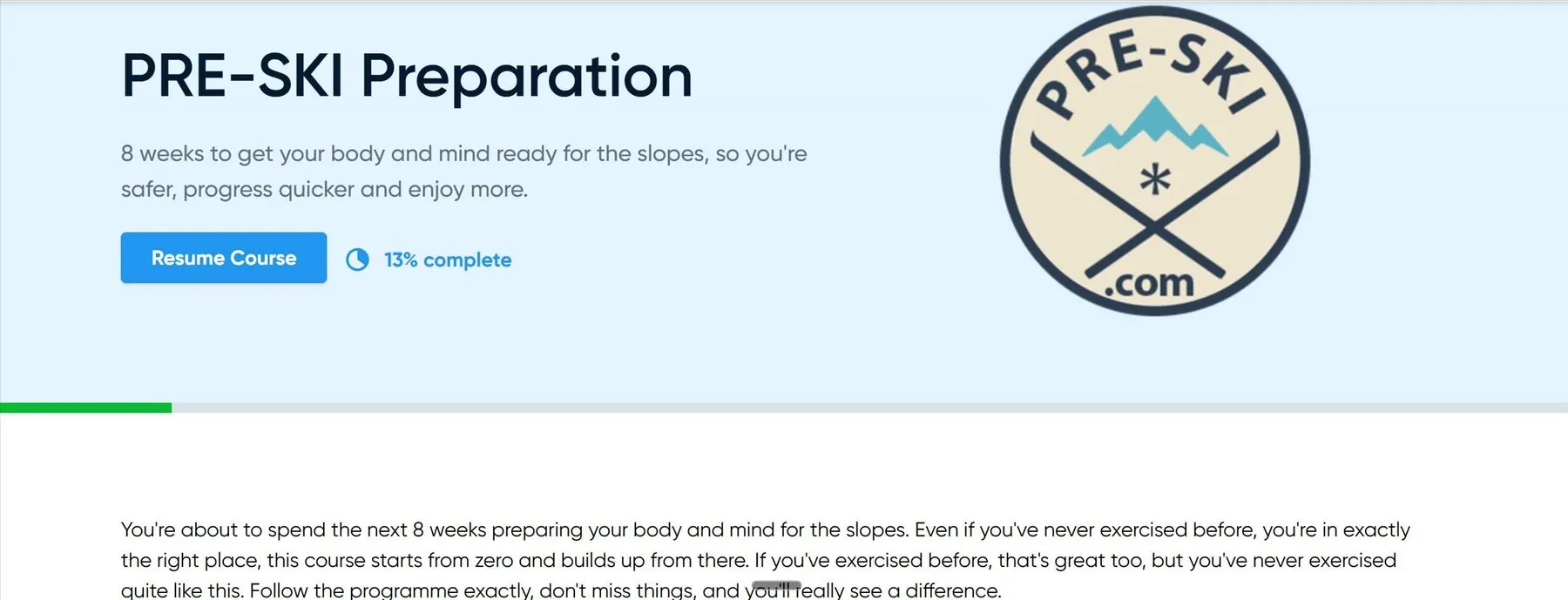
Resume Course picks up at the exact session you stopped on, and the percentage tells you how far through you are. Nothing to hunt for.
2Your week
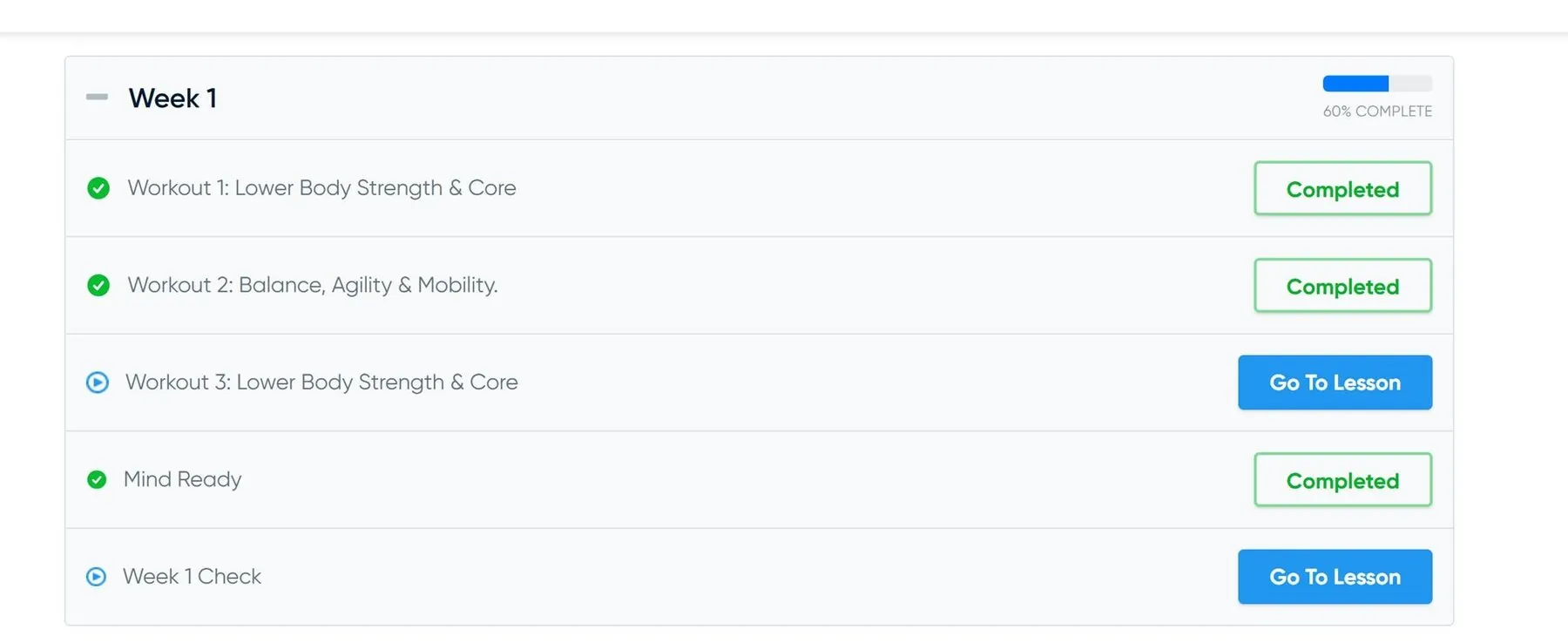
Three workouts, a Mind Ready session, and a short Check to close the week. Finished sessions turn green. The next one is the one with the button on it. Week 1 here is 60% done.
3Your session
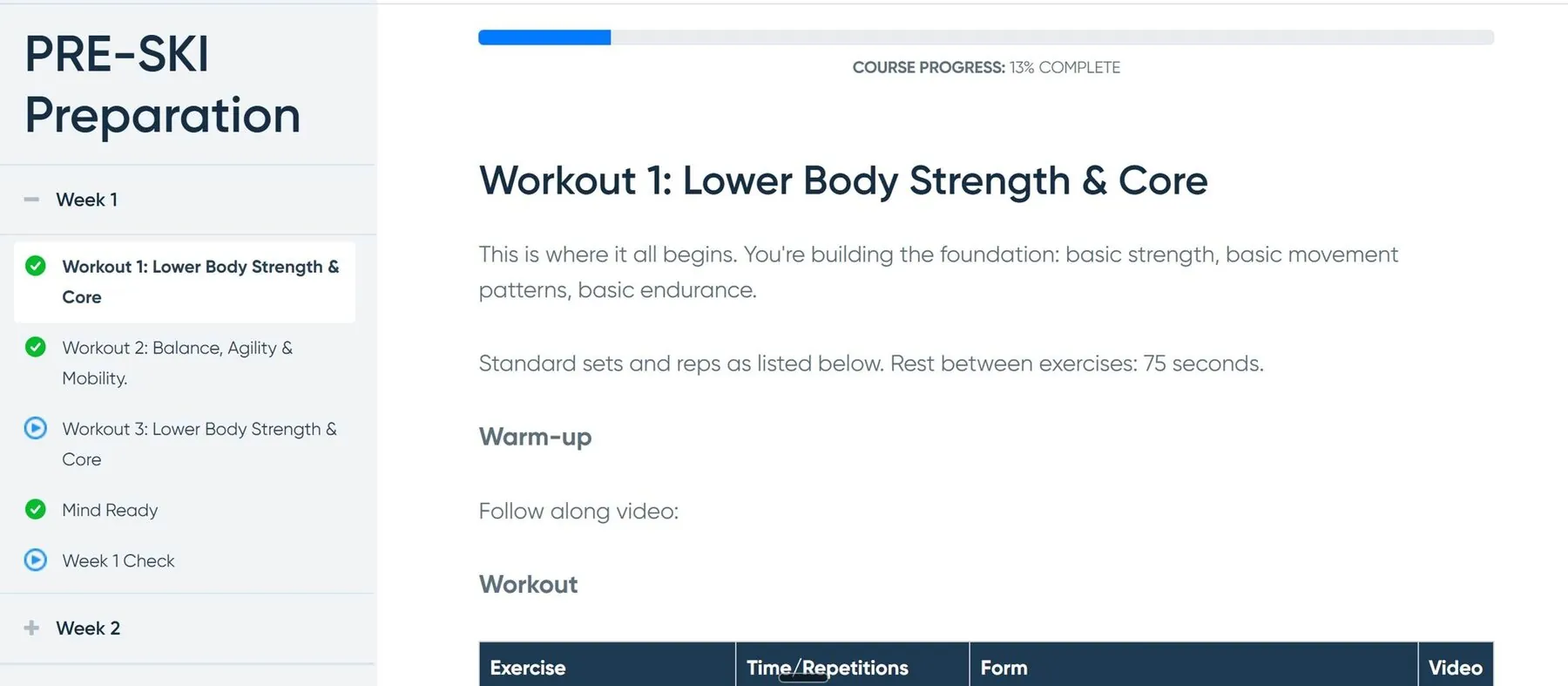
The warm-up, a follow-along video, then the exercise table: the movement, the reps or the time, the form cue and the video for every single exercise. The weeks stay down the left so you can jump anywhere.
Every week carries its own exercise dictionary, holding that week’s movements on video, so you can check your form before you repeat one.
The 4-week fitness programme called Foundation is designed to get anyone up to speed who is really not fit, or has never exercised before. We include this so everyone can start, no matter their ability. Preparation is 8 weeks. This is the main course. Progression is the advanced course: a tougher 8 weeks for people who are already fit. Every week of every one of them is built the same way as the week above so you get the hang of it quickly and easily.
Access runs for twelve months from the day you buy. You can go back through any session as many times as you want.
Typically three ski training sessions, with Sam on video and Eric and Kyle supporting. One Mind Ready session on the mental side. Then a short multiple-choice Check quiz to confirm the week has landed.
Watch it first. Every week has an exercise dictionary. It holds that week’s exercises, each demonstrated on video, so a movement you are training this week is never more than a tap away. It stays open for the whole of your access period.
Squats, lunges, wall sits, single-leg balance and lateral bounds, built up week by week. PRE-SKI coaches every one on video, and every week has an exercise dictionary showing how to do each move and why it matters on snow.
A short multiple-choice quiz at the end of each week. It takes a couple of minutes and helps you take in what the week covered. Passing the weekly checks is part of completing the course.
Do the mental preparation as well as the physical. Mind Ready is the mental session in each week of every course. It works on confidence, self-talk and decision-making, for the moments on the mountain that catch people out. It is the part people tell us they feel first.
Yes. The whole thing works on a phone, a tablet or a computer, and most people use a phone. You log in with the same email address and password on any device.
More answers on the questions and answers page.
Answer a few questions and we’ll point you at the right course for you.
Find your course in 60 seconds